Business context
Ground requests in approved Business DNA, workspace instructions, relevant files, and memory boundaries.
Developers
Connect approved business context, research, model routing, reports, and controlled actions through one developer direction.
Build with context
Chameleon is designed to help applications understand the business question, select the right intelligence, produce a structured result, and preserve the useful outcome.
Ground requests in approved Business DNA, workspace instructions, relevant files, and memory boundaries.
Route work by capability, quality, cost, language, privacy, and policy instead of hard-coding one model.
Produce findings, sources, assumptions, risks, recommendations, and next actions in predictable structures.
Separate reasoning from execution and require approval before sensitive or consequential actions.
Apply plan limits, workspace permissions, audit records, and product-specific access rules.
API access is managed while the platform is in development. Approved teams receive the current specification and credentials.
Request access ↗Developer flow
Use approved credentials tied to the correct application and workspace.
Send the task and reference only the business context it is permitted to use.
Route, research, reason, and expose uncertainty or missing evidence.
Return structured intelligence, request approval where needed, and record the outcome.
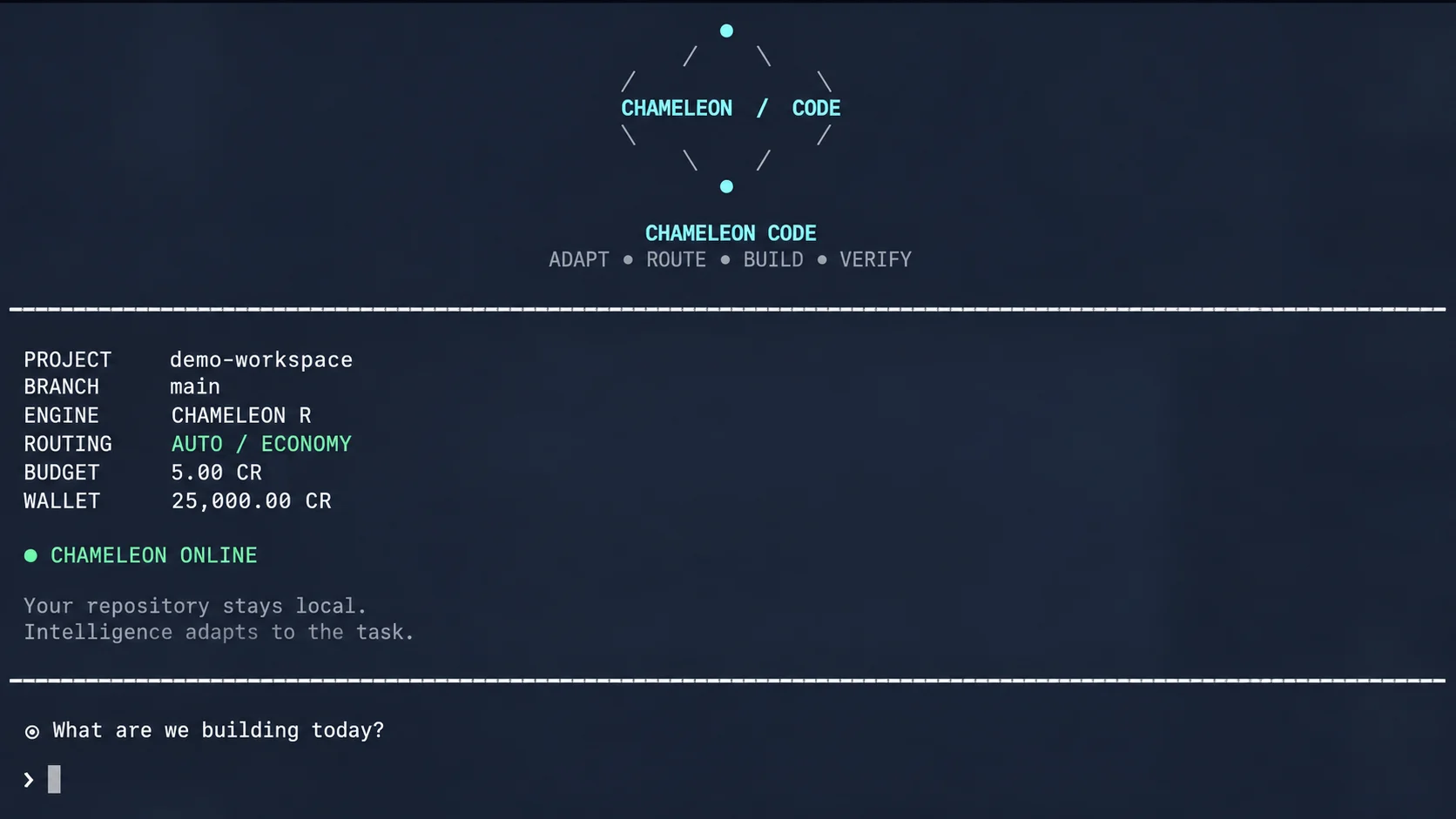
Sign in with your Chameleon account and work on your project from your own computer. Your code stays on your machine. Code uses the same plan credits as the web app. When your plan runs out, upgrade your plan or contact us to add credits.
Review the platform direction or contact us for managed developer access.